 freegame.com.es

Popular Games
Last Played


Parkour Craft Noob Steve
0 plays
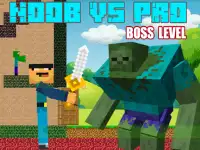
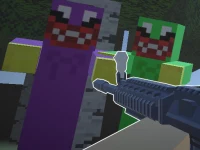
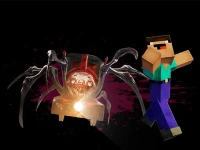
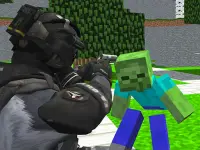
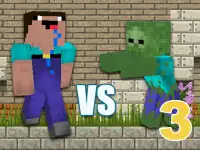
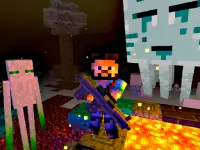



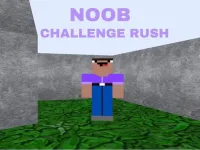












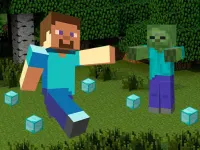


Parkour Craft Noob Steve
Get ready for a wild ride with Parkour Craft Noob Steve, a chaotic browser game that's as frustrating as it is addictive. With its wonky physics and frequent glitches, you'll be on the edge of your seat as you navigate through treacherous terrain. The game's quirky charm and unpredictable gameplay make it a must-play for fans of 3D games and jumping challenges.
How To Play Parkour Craft Noob Steve
Jump onto blocks, zigzag carefully, and reach the end without falling. Clean gameplay requires patience, so take your time and master the art of navigation. With each failure, you'll learn new strategies to overcome the game's obstacles.
Controls and Features
Use arrow keys or WASD to move, spacebar to jump, and shift to sprint. The physics are inconsistent, but that's what makes the game so challenging and fun. Try to time your jumps perfectly to avoid getting tripped up by the game's wonky physics.
Tips
Slow movements are key to success. Try small leaps and watch the glitchy terrain to anticipate the next obstacle. With practice, you'll develop the skills needed to overcome even the toughest challenges.
FAQ
What are the controls for Parkour Craft Noob Steve?
The controls include arrow keys or WASD to move, spacebar to jump, and shift to sprint.
How do I progress in the game?
Reach the end without falling. The game requires patience and skill to master the art of navigation.
Are there timers or hints in the game?
No timers or hints are provided in the game.
What is the main mechanic of Parkour Craft Noob Steve?
The main mechanic is jumping over blocks with wonky physics.
About this game
- Supported devices
- Desktop
- Genre
- Shooting Games
- Release date
- 18 March 2024
- Latest update
- 18 March 2024
- Rating
- No ratings yet