 freegame.com.es

Popular Games
Last Played


Infinity Ops FPS
0 plays
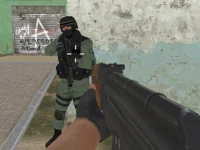
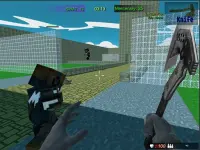
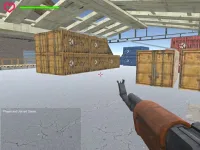
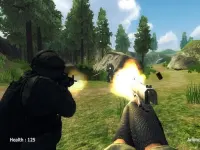
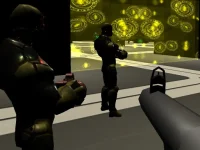

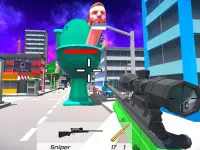








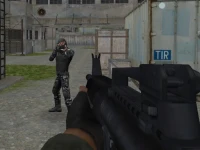


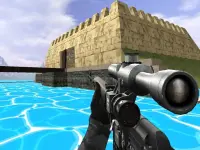



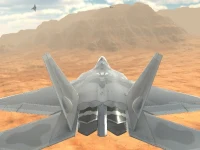
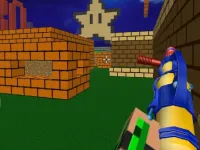








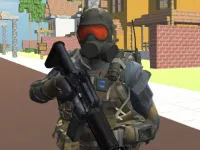
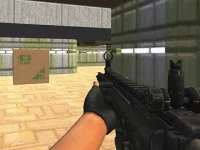

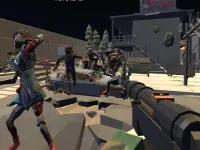



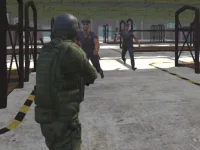





Infinity Ops FPS
Get ready for a fast-paced browser game that combines intense action and strategic combat. Infinity Ops FPS is a thrilling experience that challenges you to survive and dominate in a chaotic environment. With a vast arsenal of weapons at your disposal, you'll need to master the controls and adapt to the ever-changing situation.
How To Play Infinity Ops FPS
Start by selecting a mission and picking the right weapons for the job. Then, navigate the browser chaos and complete objectives to progress through the game.
Controls and Features
Use the W, A, S, D keys to move around, spacebar to jump, left mouse button to shoot, and right-click to aim. You can also reload with the R key. The game features a vast arsenal of weapons and strategic shooting mechanics that will keep you on your toes.
Tips
Practice your movements and get used to the fast-paced action. Mastering the controls will take time, but it's essential to complete missions and dominate the environment.
FAQ
What are the main controls?
W, A, S, D, spacebar, left mouse, right-click, and R are the basic controls you need to know to play Infinity Ops FPS.
How do I complete objectives?
Simply select a mission, pick the right weapons, and navigate the browser chaos to complete objectives and progress through the game.
What features make Infinity Ops FPS unique?
With a vast arsenal of weapons and strategic shooting mechanics, Infinity Ops FPS offers a unique and challenging experience that will keep you engaged for hours.
What are some tips for new players?
Start by practicing your movements and getting used to the fast-paced action. As you progress, focus on mastering the controls and adapting to the changing situation.
About this game
- Supported devices
- Desktop
- Genre
- Shooting Games
- Release date
- 24 October 2024
- Latest update
- 24 October 2024
- Rating
- No ratings yet