 freegame.com.es

Popular Games
Last Played


4GameGround - Minecraft Coloring
1 plays





















4GameGround - Minecraft Coloring
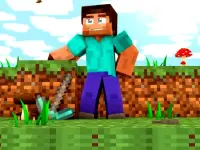
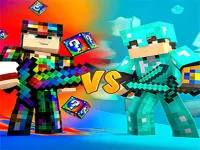
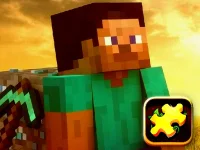
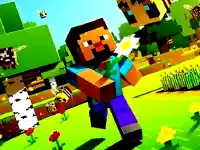
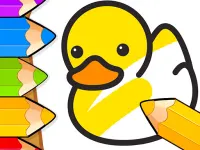
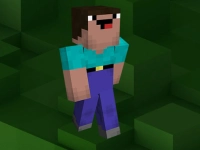
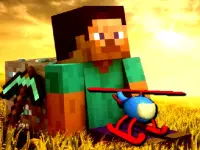
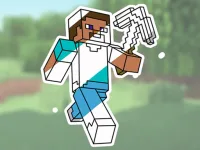
Get ready to unleash your creativity in this colorful and fun game! Minecraft Coloring is a simple yet engaging browser game that lets you express yourself through vibrant artwork. You can choose from various characters and scenes, pick your favorite colors from the palette, and click to fill in the areas. It's a great way to relax and have fun while creating something beautiful.
How To Play 4GameGround - Minecraft Coloring
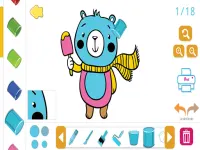
Playing Minecraft Coloring is easy! Simply select a character or scene from the gallery, choose your favorite colors, and click to fill in the areas. If you make a mistake, don't worry, you can always click to repaint.
Controls and Features
The controls in Minecraft Coloring are straightforward. You can use your mouse or touchscreen to click on colors and then click on areas to paint. The game also includes a save button, so you can keep your artwork safe.
Tips
Want to create the best artwork possible? Try to go slow when picking colors to avoid mistakes, and only click on the correct areas using your mouse or touch to prevent having to redo everything.
FAQ
How do I play Minecraft Coloring?
Simply select a character or scene, choose your favorite colors, and click to fill in the areas. If you make a mistake, don't worry, you can always click to repaint.
What are the controls in Minecraft Coloring?
You can use your mouse or touchscreen to click on colors and then click on areas to paint. The game also includes a save button, so you can keep your artwork safe.
How do I avoid mistakes in Minecraft Coloring?
Try to go slow when picking colors to avoid mistakes, and only click on the correct areas using your mouse or touch to prevent having to redo everything.
Can I save my artwork in Minecraft Coloring?
Yes, the game includes a save button, so you can keep your artwork safe and come back to it later.
About this game
- Supported devices
- Desktop
- Genre
- Arcade Games
- Release date
- 24 October 2024
- Latest update
- 24 October 2024
- Rating
- No ratings yet